Managing backlinks without a tracker becomes messy very quickly. You contact websites, send follow-ups, get some replies, earn a few links, forget which links are dofollow, and then wonder which backlinks are actually indexed by Google.
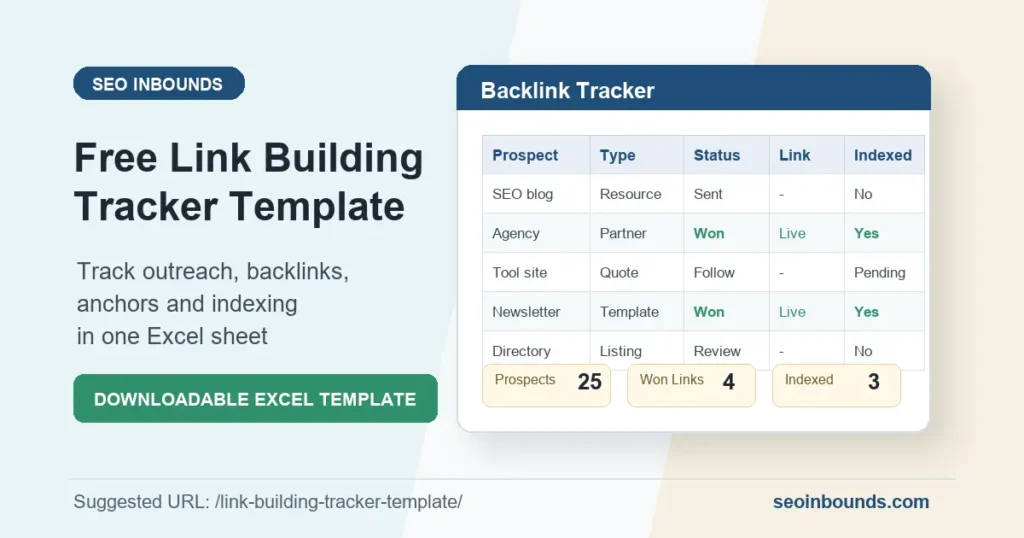
That is why I created this free Link Building Tracker Template for SEO Inbounds.
You can use it to track backlink prospects, outreach status, follow-up dates, link type, anchor text, target pages, and indexing status in one simple spreadsheet.
Download the free template: Download the Free Excel Template
What Is a Link Building Tracker?
A link building tracker is a spreadsheet that helps you manage your backlink campaign from start to finish.
Instead of keeping backlink opportunities in your head, you can record:
- websites you want backlinks from
- contact names and emails
- outreach dates
- follow-up dates
- backlink status
- link URL
- dofollow or nofollow type
- anchor text
- target page on your site
- whether the backlink is indexed
This makes link building easier to measure and much less random.
Why You Need a Backlink Tracker
If you are building backlinks manually, tracking is not optional. Without a tracker, you may:
- contact the same website twice
- forget to follow up
- lose backlink opportunities
- build too many links to one page
- overuse the same anchor text
- ignore whether links are indexed
- fail to measure what actually worked
A good tracker helps you see which backlink methods are producing real results.
For example, if resource page outreach brings better links than directory submissions, you can focus more time there. If most profile links are not indexed, you can stop wasting effort on them.
Download the Free Link Building Tracker Template
Download: Download the Free Excel Template
The template includes:
| Sheet | Purpose |
| Dashboard | See outreach progress and backlink wins |
| Backlink Tracker | Track prospects, emails, links, anchors, and indexing |
| Outreach Log | Record outreach conversations and follow-ups |
| Linkable Assets | Plan which SEO Inbounds pages to pitch |
| Email Templates | Copy simple outreach and follow-up emails |
| Instructions | Quick guide for using the tracker |
You can use it in Excel, or upload it to Google Sheets.
What to Track in a Link Building Campaign
Here are the most important columns to track.
| Column | Why It Matters |
| Prospect | The website or person you want to contact |
| Website | The domain you are targeting |
| Opportunity Type | Guest post, resource page, testimonial, directory, PR quote, etc. |
| Contact Email | Helps you avoid searching again later |
| Outreach Date | Shows when you sent the first message |
| Follow-Up Date | Helps you follow up at the right time |
| Status | Not started, sent, followed up, won, lost, or no response |
| Link URL | The actual page where your backlink appears |
| Link Type | Dofollow, nofollow, sponsored, UGC, or unknown |
| Anchor Text | The clickable text used for your backlink |
| Target Page | The SEO Inbounds page receiving the backlink |
| Indexed? | Shows whether Google has indexed the linking page |
The most important mistake beginners make is tracking only the backlink URL. You should also track the outreach process, anchor text, and indexing status.
Not sure whether a link you’ve logged is actually live and indexed? Run the domain through one of these free backlink checker tools before marking it as confirmed in your tracker.
Best Backlink Opportunities to Track First
Not all backlink methods are equal. Some are easy but weak. Others take more time but can bring stronger links.
| Backlink Opportunity | Difficulty | Link Quality | Best Asset to Pitch |
| Resource pages | Medium | High | Free template or guide |
| Partner mentions | Easy | Medium-High | SEO checklist or useful resource |
| Testimonials | Easy | Medium | Testimonial for a tool you use |
| PR quotes | Medium | High | Expert answer or short comment |
| Directories | Easy | Low-Medium | Business profile |
| Guest posts | Hard | High | Original article or case study |
| Statistics pages | Medium | High | Original data or cited statistics |
For most beginners, I recommend starting with:
- Resource pages
- Partner mentions
- Testimonials
- PR quotes
- Useful templates
How to Use This Template in 7 Days
Day 1: Add 25 Prospects
Start by adding 25 websites to the tracker. Good prospects include SEO blogs, marketing blogs, web design agencies, startup resource pages, business resource pages, bloggers who write about SEO tools, and YouTubers with resource pages.
Day 2: Choose Your Linkable Asset
Do not pitch your homepage every time. Pitch something useful, such as a free template, checklist, statistics page, practical guide, case study, or comparison table.
Day 3: Send 10 Outreach Emails
Send a short, simple email. Do not beg for a backlink. Offer something useful.
Day 4: Record Replies
Update the tracker when someone replies. Use statuses like Sent, Followed up, Won, Lost, and No response.
Day 5: Send Follow-Ups
If someone does not reply, follow up once after 3-5 days. Do not send too many follow-ups. One or two is enough.
Day 6: Record Won Links
If you earn a backlink, record the backlink URL, link type, anchor text, target page, date won, and indexed status.
Day 7: Review What Worked
Check how many emails you sent, how many replies you received, how many backlinks you won, which opportunity type worked best, which anchor texts were used, and which backlinks were indexed.
Outreach Email Example
Hi [Name],
I created a free Link Building Tracker Template for beginners and agencies. It helps users track backlink prospects, outreach, link type, anchor text, target pages, and indexing status.
If it fits your resources page, you are welcome to include it here: [URL]
Thanks,
xyz
Dofollow vs Nofollow: Should You Track Both?
Yes, track both.
A dofollow backlink can pass ranking signals, but nofollow links can still bring referral traffic, brand visibility, and natural link diversity.
If you are new to this topic, read this guide: Dofollow vs nofollow backlinks
The important thing is not to chase only dofollow links. A natural backlink profile usually includes different link types.
Should You Track Anchor Text?
Yes. Anchor text is important because it tells users and search engines what the linked page is about.
But do not use the exact same keyword every time.
For example, if your target page is about free backlink methods, use mixed anchors like:
- free backlink guide
- backlink building tips
- SEO Inbounds backlink guide
- how to build backlinks for free
- useful guide on backlinks
Too much exact-match anchor text can look unnatural.
Should You Check If Backlinks Are Indexed?
Yes. A backlink from a page that is not indexed may have limited SEO value.
You can check indexing by searching Google for:
site:example.com/page-url
If the page does not appear, it may not be indexed yet.
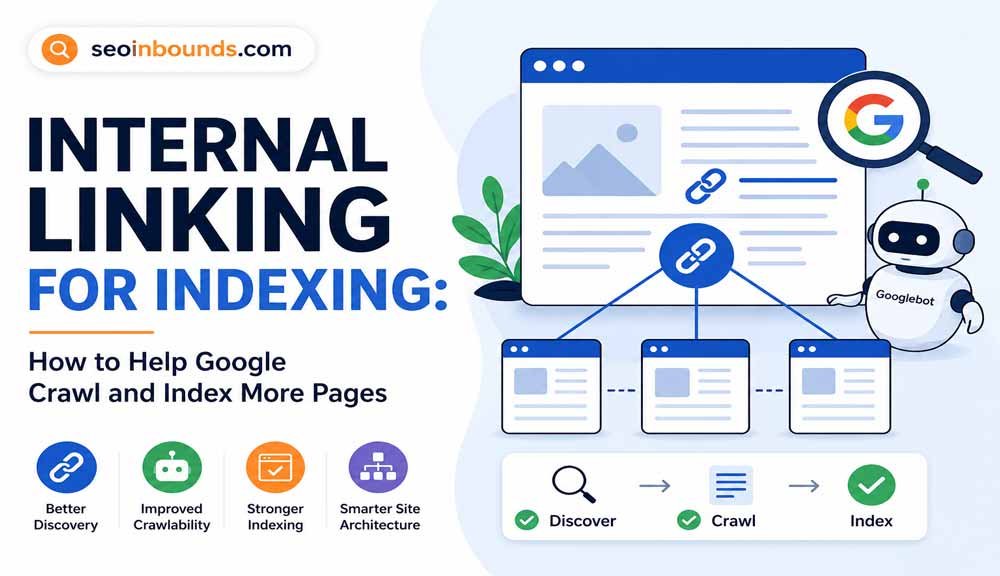
This is also why internal linking and indexing matter. You can read this guide for more: https://seoinbounds.com/crawled-currently-not-indexed/
Internal Links to Read Next
- How to Build Backlinks for Free
- How to Get Backlinks Without Guest Posting
- Off-Page SEO Checklist
- Free SEO Submission Sites
- Dofollow vs Nofollow Backlinks
Final Thoughts
Link building becomes easier when you track it properly.
Instead of guessing which backlinks worked, you can see your outreach progress, link quality, anchor text, and indexing status in one place.
Download the free template, add your first 25 prospects, and start tracking your backlink campaign properly.
Download the free Link Building Tracker Template: Download the Free Excel Template